EncoreTidewell Hotel GroupTidewell rebrandResultsSendB
Results
Discovery conversation1Getting to know Tidewell2First impressions3Which feels more like Tidewell?Who you asked
Chapter 2 of 3 · Moodboard
First impressions
14 of the 16 people you asked have reacted so far. Rows fill in as answers arrive.
14answered2to go
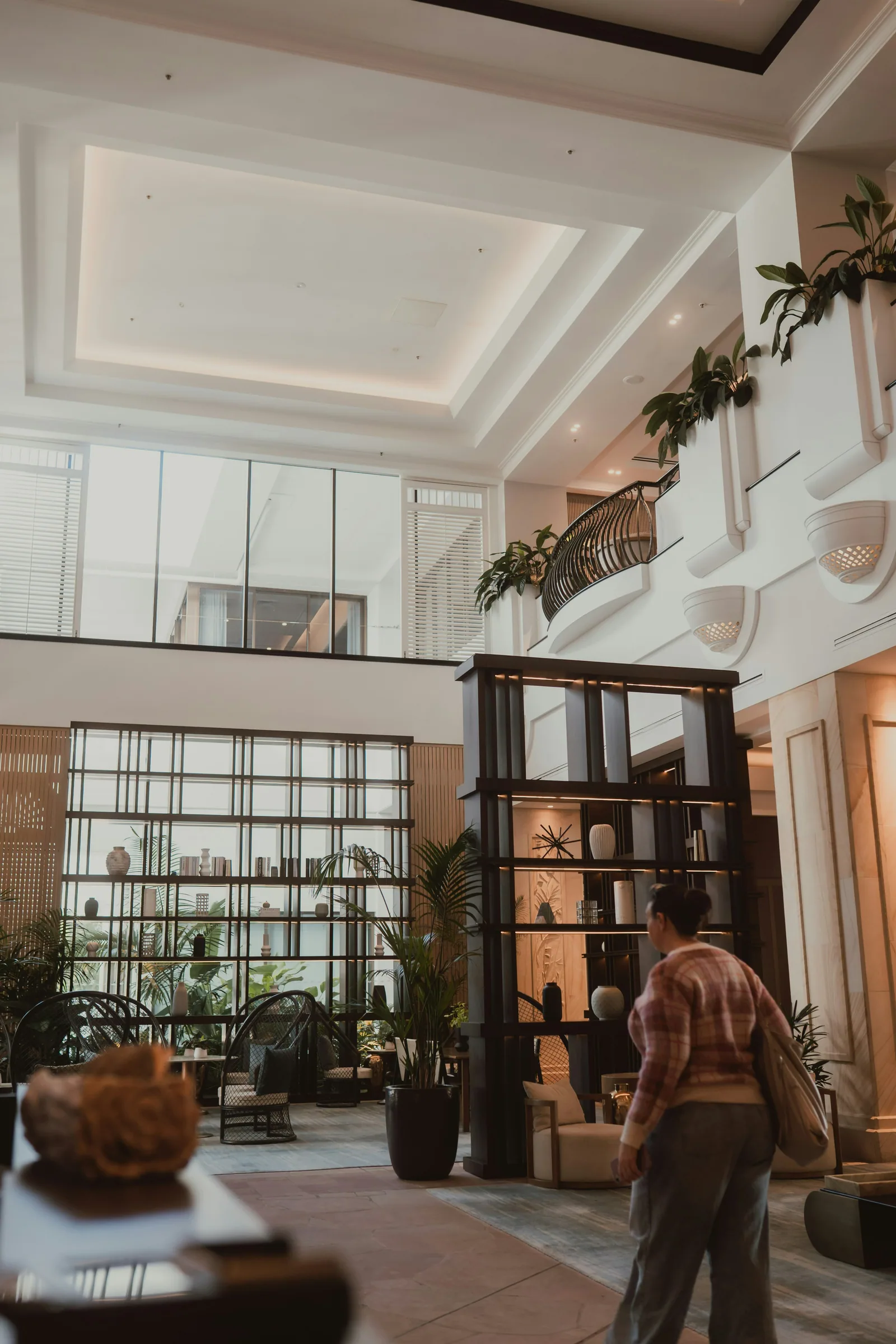
That’s the light the Quay rooms get at about six. We never show it anywhere.Maya Chen, on A living room filled with furniture and a fire place · pinned by Lena Ortiz
8 images, most liked firstSort
A vibrant flower shop entrance with many colorful blooms11 liked · 3 passed
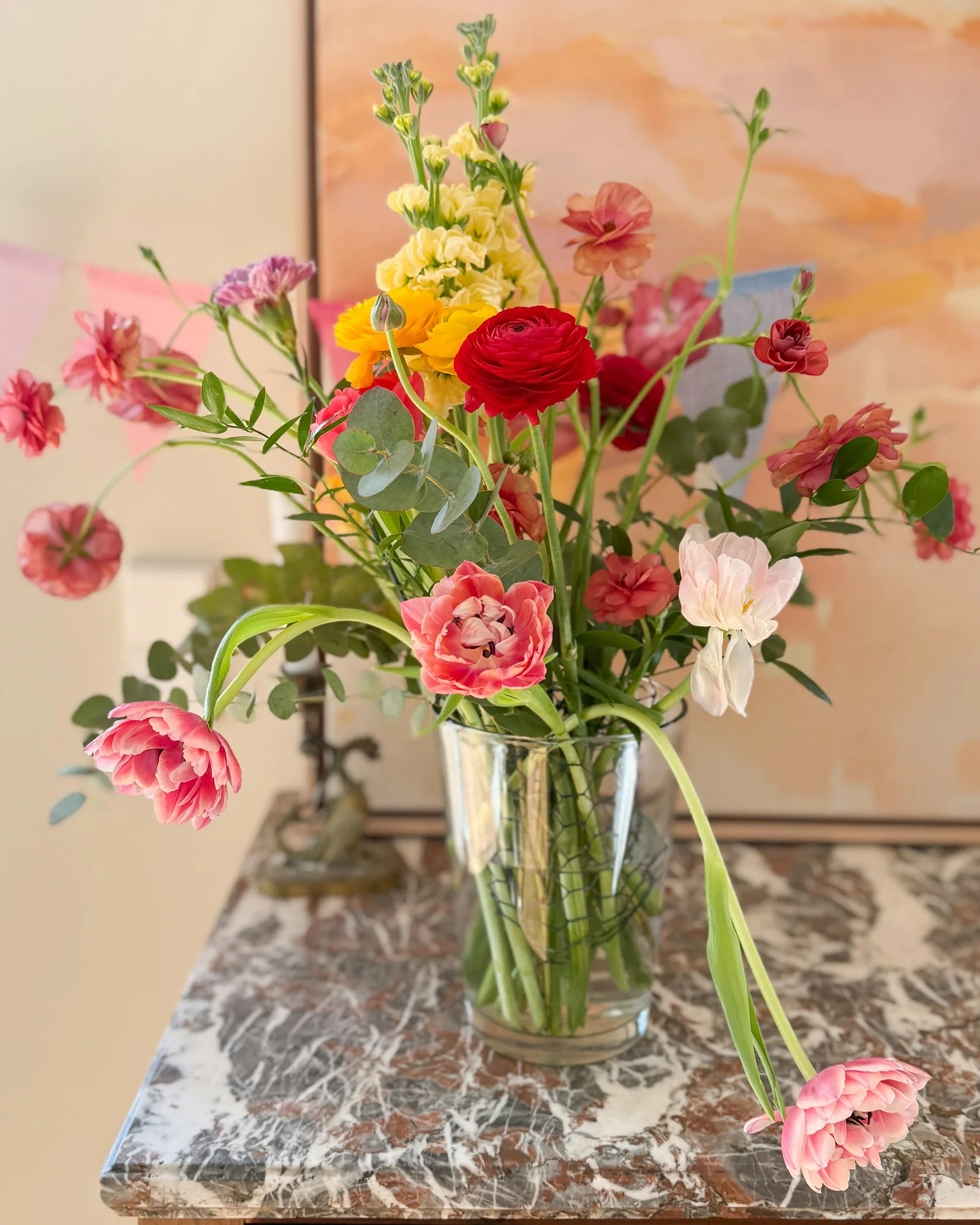
Bouquet of assorted-color tulip lot10 liked · 4 passed
A living room filled with furniture and a fire place7 liked · 7 passed
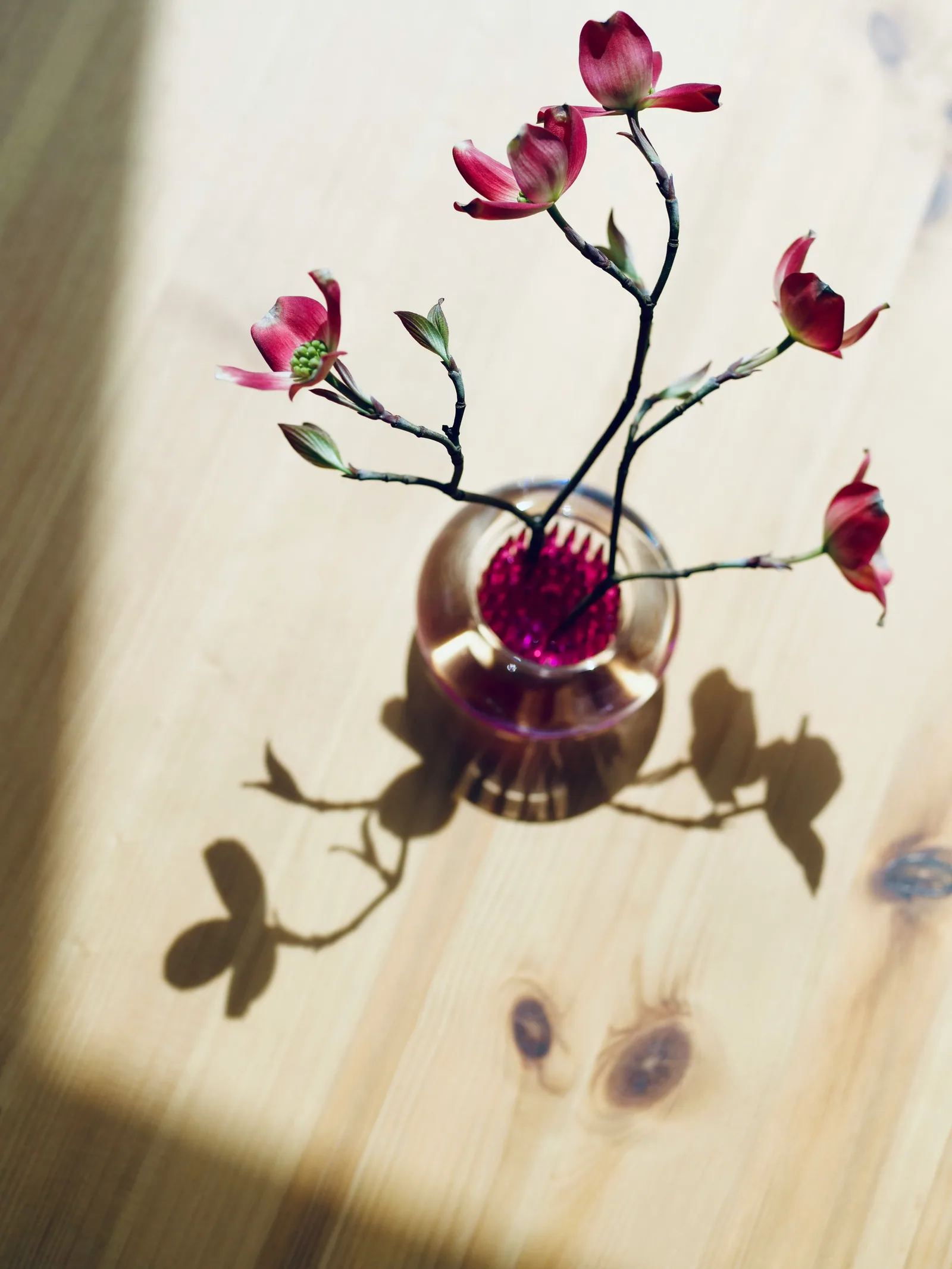
A pink flower in a white vase6 liked · 8 passed
Built around your images.
Your pictures, your words, and as many reactions as you need, from the first image to what people loved.
Your images, your words
Add your own images, then write the title and the few lines people read before they start. Set how many they react to before they carry on.
EncoreTidewell Hotel GroupTidewell rebrandFirst impressionsSavedAgentPreviewSend
16 images · updated Oct 12, 2026Details
Add imagesSelectMoodboard settings
Moodboard settings
Board identity and the words people see.
×
The page people seeThis copy appears above the board on that page.
Page title
First impressions
Supporting copy
Trust your gut. Tap any image to rate it, then tell us what draws you in or puts you off.
Response rulesControl how many reactions are required before someone can move forward.
Minimum responsesRequired before comparisons unlock9
Everything savedCloseSave settings
Tagged as they land
Encore reads each image as it arrives: a description, tags, a category and a mood, and its main colours.
EncoreTidewell Hotel GroupTidewell rebrandFirst impressionsSavedAgentPreviewSend
16 images · updated Oct 12, 2026Details
Add imagesSelectMoodboard settings
Click to set focusReplace
Ready to use across the board
What Encore seesRefresh the read
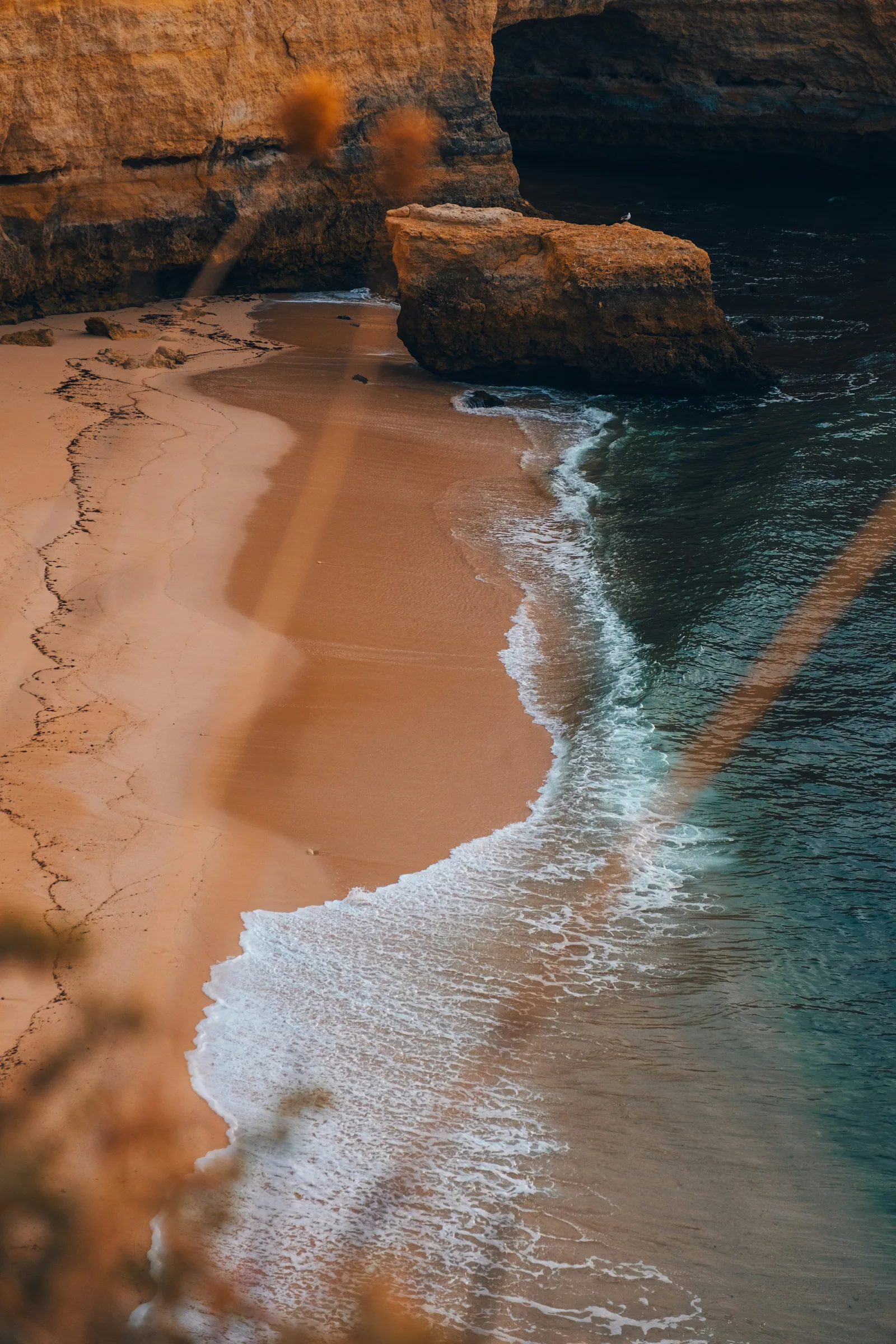
A sandy beach and turquoise water under an orange cliff.
SubjectsBeach, Cliff, Sea
StyleNatural, Warm, Aerial
Image details
The beach under the cliff
×
Description
Waves run up a pale sand beach under a sandstone cliff, seen from above in warm late light.
Tags
beachcoastsandwarm tonesaerialcalmsea
Category
LandscapeNatureTravel
Mood
CalmWarmOpenNatural
·Close
Send one link
Send the board on its own or as part of a Flow. The link is copied, ready for your own email or message.
EncoreTidewell Hotel GroupTidewell rebrandFirst impressionsSavedAgentPreviewSend
16 images · updated Oct 12, 2026Details
×Send a link
First impressions
The link is copied. Paste it into your own email or message.
https://encorehq.co/m/Vb7nQ2xLp4cECopied
DoneOpen the link
Anyone with the link can open it. You can turn a link off any time from the project’s Share, under Manage links.
They click, rate and say why
People click an image, rate it from 1 to 10 and pick what draws them in or puts them off. They carry on once they’ve reacted to the number you set.
encorehq.co/m/k3Tq8mZpR2
NNorthlight StudioMoodboard 2 of 3
First impressions
Trust your gut. Tap any image to rate it, then tell us what draws you in or puts you off.
3 of 16 rated · 6 more needed
Step 1 of 3×
How does this image land?
12345678910
What draws you in? Select all that apply.
Color paletteTypographyLayout & compositionMood & energyTexture & materialityPhotography styleOverall aesthetic
Yes. Add your own images to the board. Photos, layouts, packaging or logos all work, because people react to what they see.
No. You set how many reactions people give before they can carry on, and they can react to more if they like. The default is nine.
Yes. After they rate an image, they can pick what draws them in or puts them off, how it makes them feel, and add a few words of their own. You can pin a comment so it leads the chapter in Results.







 Add imagesSelectMoodboard settings


