EncoreTidewell Hotel GroupTidewell rebrandResultsSendB
Results
Discovery conversation1Getting to know Tidewell2First impressions3Which feels more like Tidewell?Who you asked
Chapter 1 of 3 · Form
Getting to know Tidewell
14 of the 16 people you asked have answered so far.
14answered2to go
12 questions, in the order they were askedSort
When a guest walks into Tidewell, what should they feel first?WelcomedAgreed11 Welcomed · 3 Impressed
Where should the new Tidewell sit?Between quiet and livelySplit7 toward quiet · 7 toward lively
Which of these should guests remember us for?The view across the harborAgreed10 of 14 picked it
The rest of the Flow.
Small things that keep it calm for you and easy for them.
Who you asked16 people, unfinished first
Leo MarshOpened, not finished
Ana SousaNot opened yet
Tom BeckerFinished Oct 10
Remind the 2 who haven’t finished
See who hasn’t finished
Finished, partway or not opened yet, at a glance. One button reminds the rest, and nobody hears from you twice in a day.
Sam OkaforGeneral manager
Grace AdeyemiFront office manager
Leo MarshAdd a role
Remember who’s who
Add a role to anyone you asked. It sits beside their name when you read the answers, and only your side sees it.
PacingOn a schedule
A new step opens every4days
Remind people who’ve gone quietOne email after 3 days without progress. Never more than one.
A quiet nudge
Turn it on and anyone who stalls gets one gentle email, then no more.
Pacing
All at onceEvery step is open as soon as they enter.One step at a timeYou release each next step when you’re ready.On a scheduleA new step opens every few days.
Pace it
Open every step at once, release them one at a time, or open a new step every few days.
NMoodboard • 2 of 3
First impressions
3 of 16 rated · 6 more needed
Pick up where they left off
If someone closes the tab halfway, their link opens on the step they stopped at, with every answer they gave still there.
Step 2 of 3Day4
First impressionsOpen on day 4
Tap images to react.
Preview. Answers here aren’t saved.
Try it before you send
Walk through it the way they will, step by step and day by day. Nothing you answer is saved.
Yes. Make groups, like Board, Front desk and Guests. A group can skip a step or see only some of a step’s questions. You choose the group when you make its link, and everyone who starts from that link is in it.
Yes. A Flow can open every step at once, release them one at a time when you’re ready, or open a new step on a schedule, such as every three days.
Yes. Unpublish the Flow and its links stop working at once. Publish it again and the same links open again.
Yes. Over MCP, an agent can build the Flow, make groups, make the link, remind the people who haven’t finished and read the results.






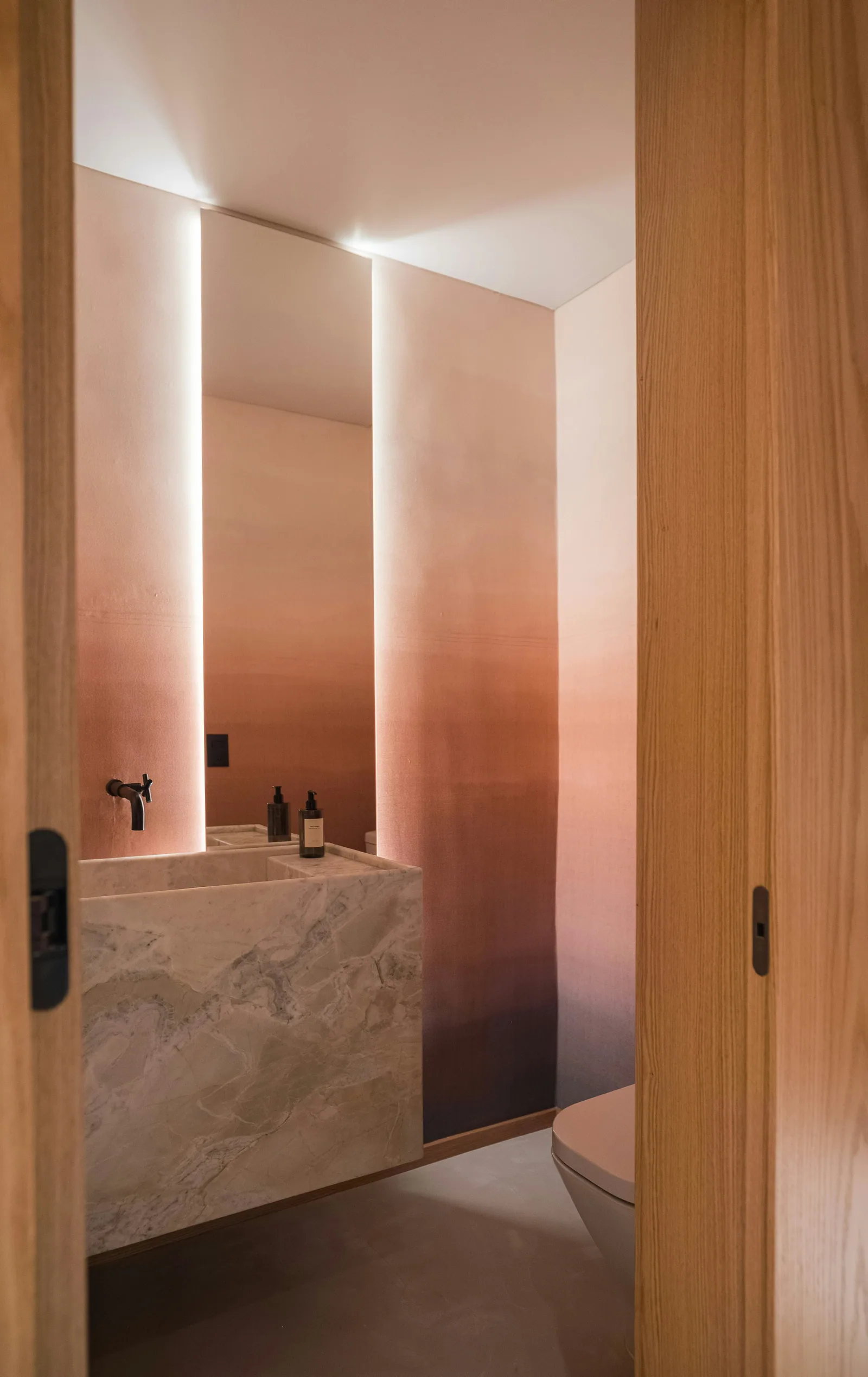
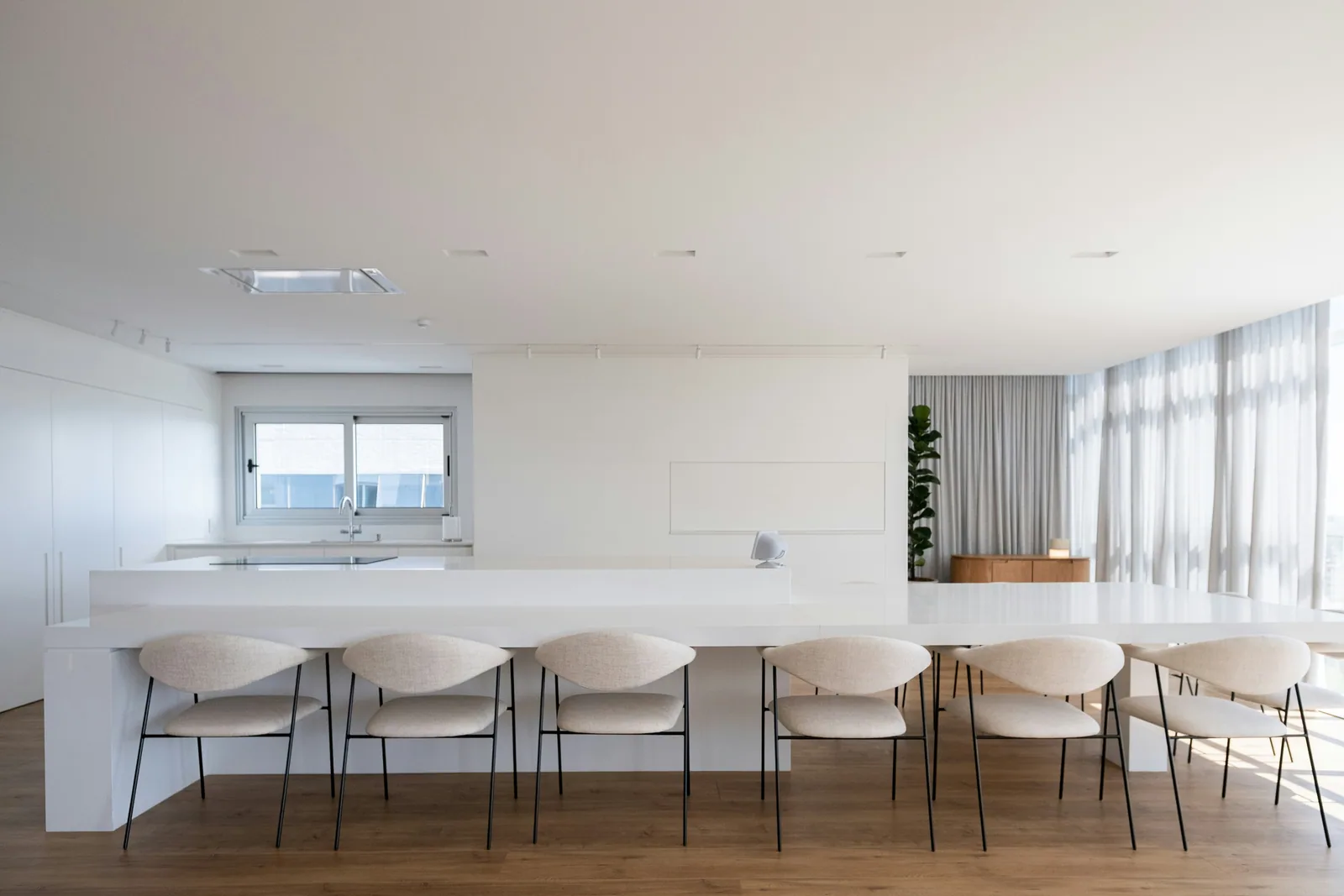







 Add imagesSelectMoodboard settings






 Which feels more like Tidewell?